
365
Lead generation at every trade show.
365 is the solution for lead capture at any trade show – regardless of the organizer, with no hardware required and no contract. Scan business cards using your smartphone. All data is automatically uploaded to the Scan2Lead PORTAL – ready for CRM integration and analysis.


How 365 Works
The Scan2Lead App 365 in Action
Business cards are going digital.
Wherever leads are generated, you’re right there. The Scan2Lead App 365 captures business cards at every trade show and event – all it takes is a quick scan with your camera. Contact information is automatically recognized, digitized, and displayed immediately. Add details, include notes using the keyboard or voice recognition, and attach photos – all data is stored locally and automatically transferred to the PORTAL when an internet connection is available.
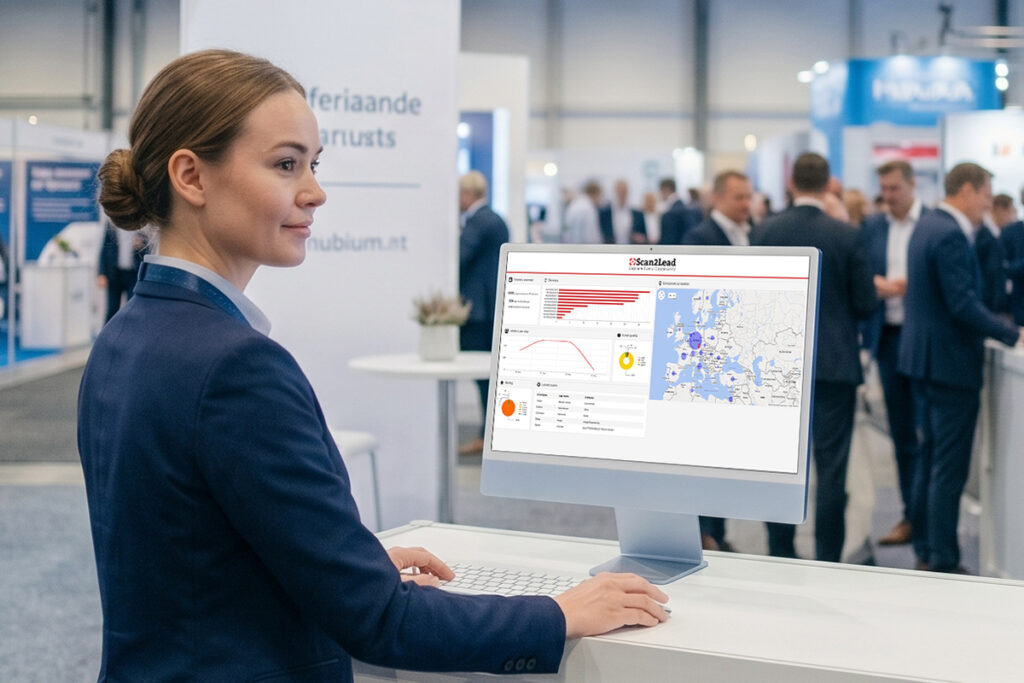
Your Centralized Lead Management
Everything at a glance – anytime, at any trade show.
In addition to the app, the Scan2Lead PORTAL provides everything you need for seamless lead management – from your first trade show to the CRM entry:
- GDPR-Compliant Data Security
- Dashboards showing scans per day, activities per team member, and country statistics
- Overview and Management of Your Event Day Credits (EDC)
- Seamless CRM integration via LEAD AUTOMATION (HubSpot, Salesforce, Pipedrive, and 1,000+ tools) or Excel export
Your Licensing Model
Event Day Credits (EDC) – You only pay when you’re on duty.
Pay only when you’re actually at the trade show – no more, no less.
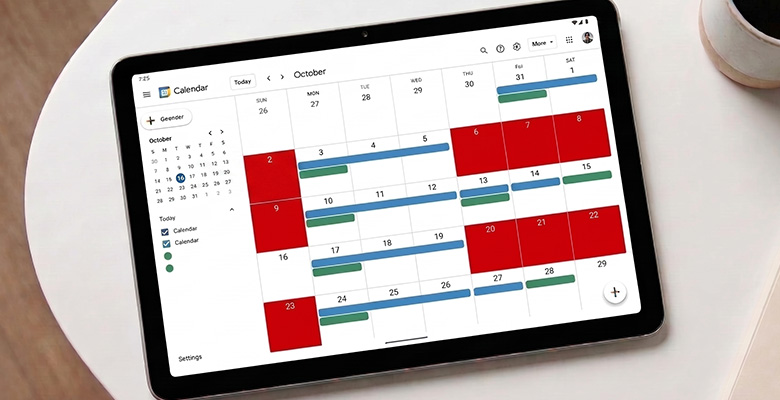
With the Event Day Credits (EDC) system, you can book exactly the capacity you need: One EDC entitles one person to admission on one day of the trade show.
Unredeemed EDCs do not expire and can be used at the next trade show.
Example: For a two-day trade show with three team members, you’ll need 6 EDCs. Simply book them through the Scan2Lead PORTAL – scalable in packages, starting at just 1 EDC.
Flexible
Pay only for the days you actually use Scan2Lead.
No automatic
renewal
Full control over your budget – no automatic follow-up costs, no surprises.

Universal
Can be used at any trade show worldwide – internationally standardized and intuitive for your team.

Badge Scan
Badge Scan with 365
Are you using the Scan2Lead App 365 and would like to scan badges at a trade show?
Check with the respective event organizer or lead-tracking provider to see if a BARCODE-API is available.
If that is the case, badge data can be transferred directly to your Scan2Lead PORTAL – even without partner trade show status.
Please note: Availability and terms depend on the respective provider and are not automatically included in 365.
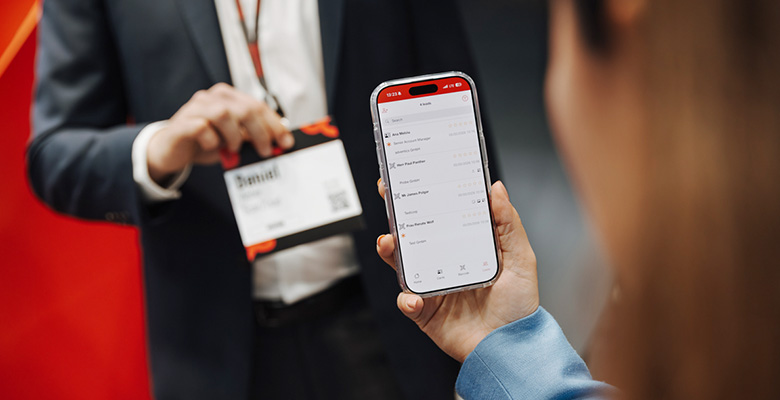
GET EVEN MORE OUT OF PARTNER TRADE SHOWS
Is your trade show a partner trade show?
Then get even more out of it.
With 365, you can also add the Scan2Lead SMART app to your package at partner trade shows. This lets you scan not only business cards but also badges – complete contact information directly from the organizer’s database, seamlessly transferred to your CRM.
Frequently Asked Questions
Frequently Asked Questions about 365
Would you like to know exactly how 365 works? Here you’ll find answers to the most frequently asked questions – our team will be happy to assist you personally.

Any questions?
Personal consultation, free of charge
Yes. You can use 365 at any trade show – whether it’s a partner trade show or not. At partner trade shows, you also have the option to add the Scan2Lead SMART app, which allows you to scan badges directly from the organizer’s database.
1 EDC equals one employee per trade show day. For a 2-day trade show with 3 employees, you’ll need 6 EDCs. Unused EDCs do not expire – they’ll be carried over to your next trade show. You can book EDCs flexibly directly through the Scan2Lead PORTAL.
This is not possible directly through the organizer’s data using 365. If the organizer or a third-party provider offers a BARCODE-API, badge scanning can be technically implemented – however, this is not guaranteed for every trade show. For new trade shows, please contact us directly, as the technical integration must be set up manually by our team. At partner trade shows, you can scan badges using the Scan2Lead SMART app.
No. The Scan2Lead App 365 runs on your own smartphone or tablet – no hardware rental, no setup fee. The app is available for iOS and Android.
No problem. The Scan2Lead App 365 stores all data locally on the device. As soon as a connection is established, the app automatically transfers all captured leads to the PORTAL. No data loss – even with a poor cellular network.
LEAD AUTOMATION allows you to integrate more than 1,000 tools—including HubSpot, Salesforce, Pipedrive, and many other CRM and marketing systems. Alternatively, an Excel export is available.