
Scan2Lead COLLECT
Quick lead capture using a mini scanner
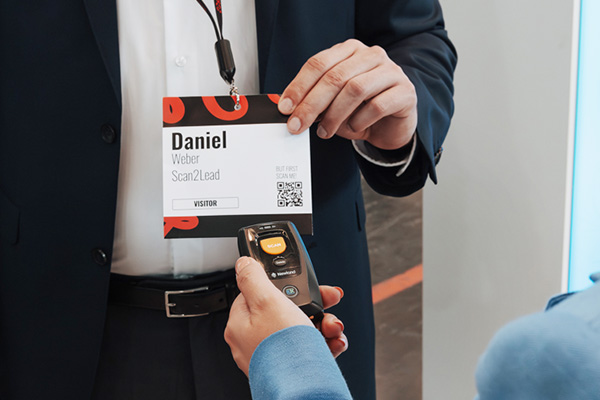
With COLLECT, you can collect visitor contact information using a mini scanner—without needing a smartphone, tablet, or internet connection. Simply scan the barcode on the visitor badge and upload the data to the PORTAL later.

Use cases for Collect
When is COLLECT the right solution for you?

Submissions & presentations
Hosts and hostesses check in arriving participants in a flash—without any lines at the entrance.

Promotional areas & contests
Capture contacts on the fly—perfect for spontaneous promotions and high foot traffic.

Large booths
Balancing volume and quality—even with many conversations, no lead is lost.
Your benefits
Efficiency meets flexibility
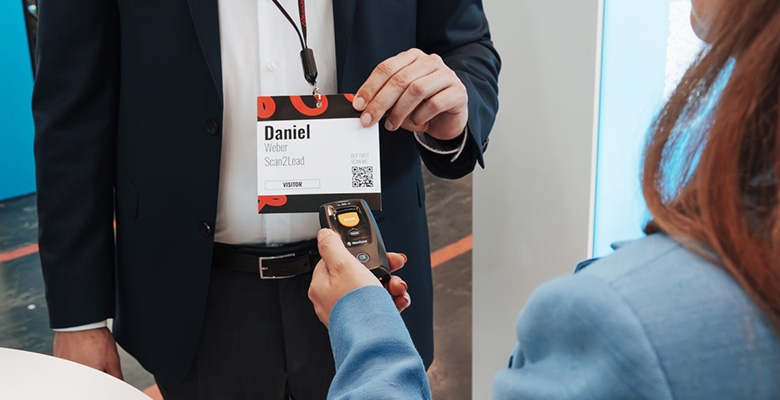
In the blink of an eye
Capture leads in seconds—one scan per badge, with no wait time.

Offline capable
Works anywhere on the exhibition grounds—no internet connection required.
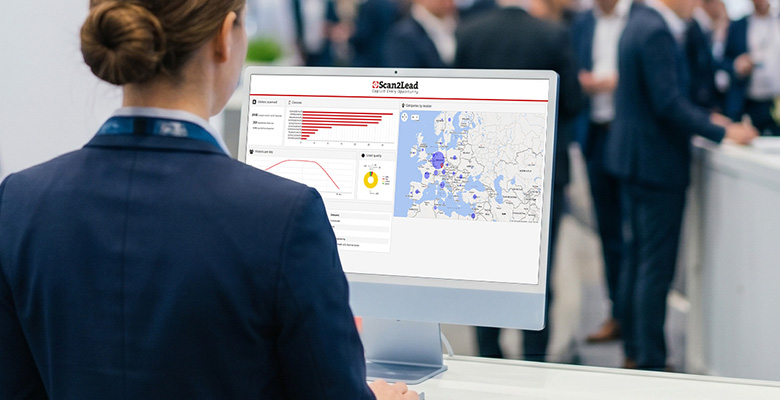
Seamlessly connected to the PORTAL
Seamless upload, analysis, and CRM integration via LEAD AUTOMATION—scalable for 10 or 10,000 contacts.
How Scan2Lead works
Four steps to trade show success
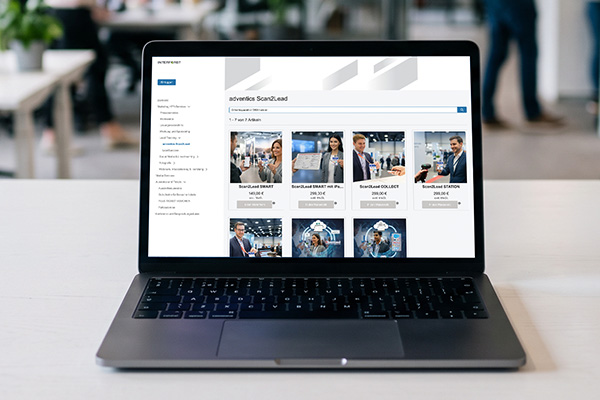
Book COLLECT through the trade show’s exhibitor store.
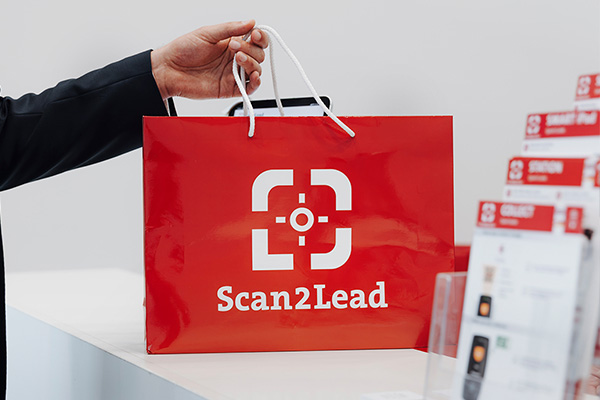
Pick up the mini scanner and receive instructions at the service counter.
Scan badges right at the booth or as you walk by.
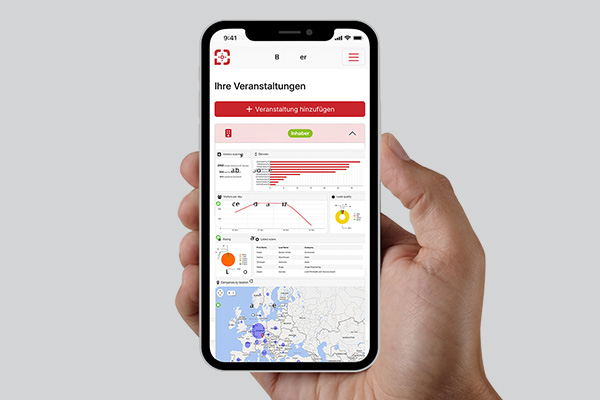
Upload data to the PORTAL via USB and analyze it.
Book COLLECT now for your trade show
Available at numerous partner trade shows. Use the trade show search to see if COLLECT is available for your event.
For your booth team
The right setups for every booth size
From small booths to large receptions—
s help your exhibitors find the right product setup. See the product pages for details.

Small setup
A streamlined solution for generating qualified leads at a small booth.

Medium setup
Multiple devices and roles for growing teams and increased volume.

Large setup
Clearly defined processes for large teams and high visitor volume.
Frequently Asked Questions
Frequently Asked Questions about COLLECT
Would you like to know how Scan2Lead COLLECT works in practice? Here you’ll find answers to the most frequently asked questions about the mini handheld scanner.

Any questions?
Personal consultation, free of charge
No. COLLECT operates entirely offline. The mini scanner captures badge data without Wi-Fi or cellular connectivity and stores all data internally. After the trade show, you can conveniently upload the data to the Scan2Lead PORTAL via USB.
After scanning, connect the mini scanner to your computer via USB and start the upload directly in the PORTAL. The process takes only a few seconds. Our team at the service counter is available to assist you at any time.
No. COLLECT is designed exclusively for scanning badges at partner trade shows. For scanning business cards, we recommend the Scan2Lead App 365 on your own smartphone.
This is not possible on the Miniscanner while the scan is in progress. Full qualification takes place after the data is uploaded to the Scan2Lead PORTAL – where you can add comments to all leads, prioritize them, and assign them custom questionnaires.
The mini scanner will be picked up at the Scan2Lead service counter on the exhibition grounds – either on the day of arrival or at the start of the trade show. It must be returned on the last day of the trade show or afterward at the same counter. You will receive the exact location after booking.
COLLECT has no practical limit on the number of entries it can store. Its internal memory is sufficient for thousands of contacts – even for trade shows with very high visitor turnout.
More options
Other Scan2Lead products

STATION
Fixed scanning station with a handheld scanner connected to a laptop—ideal for a staffed booth with high traffic.

Rental iPad
Preconfigured iPad for rent—ready to go with the Scan2Lead app, without having to provide your own device.

Scan2Lead App
Mobile lead capture via badge and business card scanning—right on your own smartphone.