
Scan2Lead LEAD AUTOMATION
Your trade show leads. Your CRM. Fully automated.
With LEAD AUTOMATION, your leads from Scan2Lead are imported into your systems in real time—without Excel exports, manual imports, or a single line of code. After the scan, LEAD AUTOMATION checks the contact in your CRM and automatically populates the lead with the relevant information. Included with every Scan2Lead account.

Use cases for LEAD AUTOMATION
Why is LEAD AUTOMATION worth it?

No more manual exports
Does your team manually enter leads into the CRM after the trade show? With LEAD AUTOMATION, this happens fully automatically—immediately after scanning, in real time, with no delay.

Automated follow-ups
New leads automatically trigger actions – such as welcome emails or CRM tasks. Once configured, everything runs in the background.

Multiple trade shows, one process
Do you participate in multiple trade shows? LEAD AUTOMATION ensures that leads from every event are always automatically imported into your CRM.

LEAD AUTOMATION is based on Make, a professional no-code integration platform: Beginners can set up standard integrations quickly and without any prior knowledge—while advanced users can also build complex, custom automations and workflows.
Your benefits
Automation instead of tedious manual labor.
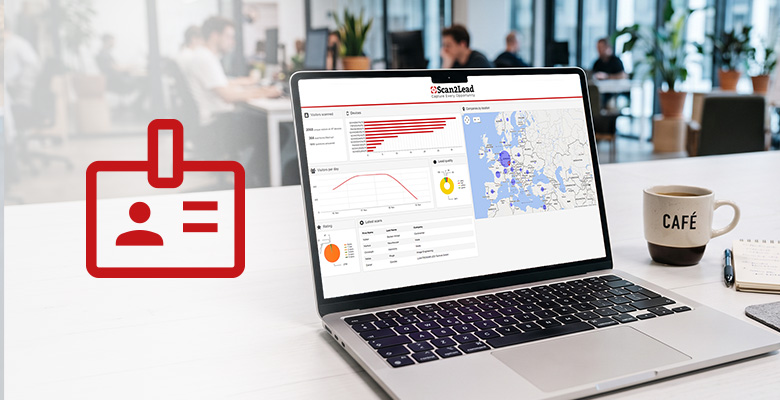
Automatically assigned, enriched, and forwarded:
LEAD AUTOMATION syncs contacts with your CRM, prevents duplicate entries, routes leads to the right teams, and automatically triggers follow-ups or marketing campaigns.
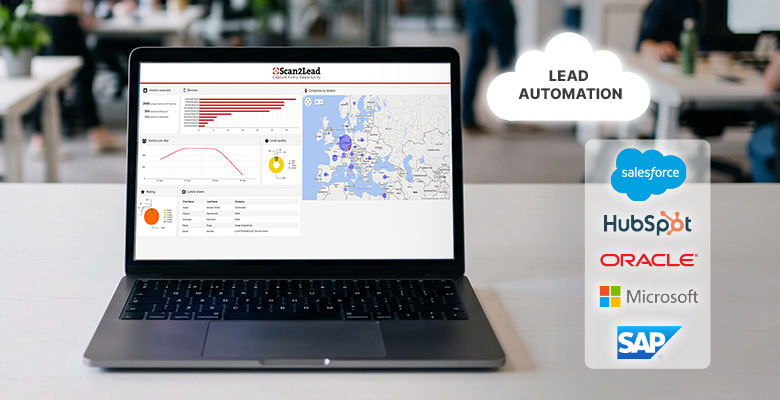
3,000+ integrations
Connect Scan2Lead to your CRM, marketing tool, ERP, or AI service—such as Salesforce, HubSpot, Pipedrive, Microsoft Dynamics 365, Zoho CRM, Mailchimp, Brevo, Odoo, Slack, Microsoft Teams, ChatGPT, or Claude.

No code or programming required
The integration is handled through our partner Make.com—no coding required. Beginners can set up standard integrations quickly and without any prior knowledge. Advanced users can go beyond that to build complex workflows.
How LEad Automation Works
Four Steps to an automated lead process.
Activate your Scan2Lead PORTAL access and start capturing leads.
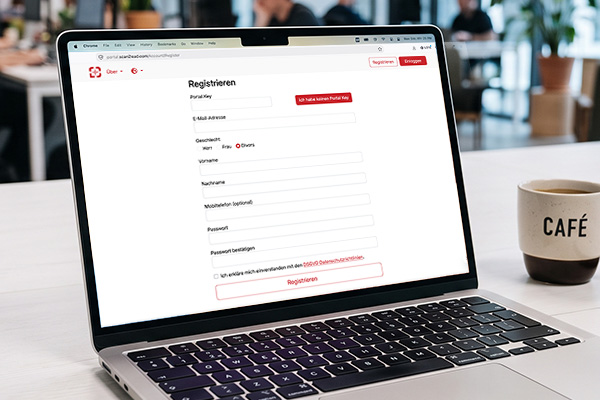
No-Code Setup: Choose your CRM and define fields and triggers—all without writing any code.
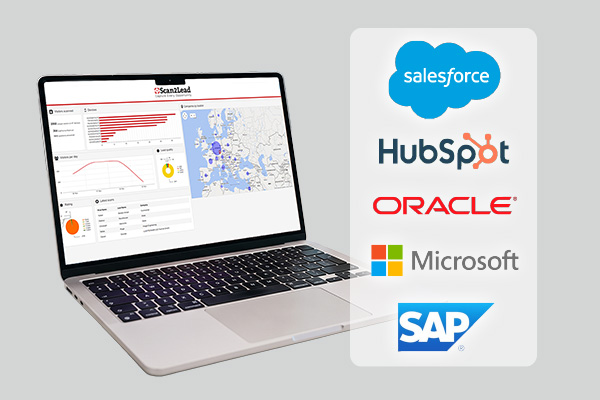
Decide what happens after a lead is received: create a CRM entry, send an email, or create a task.
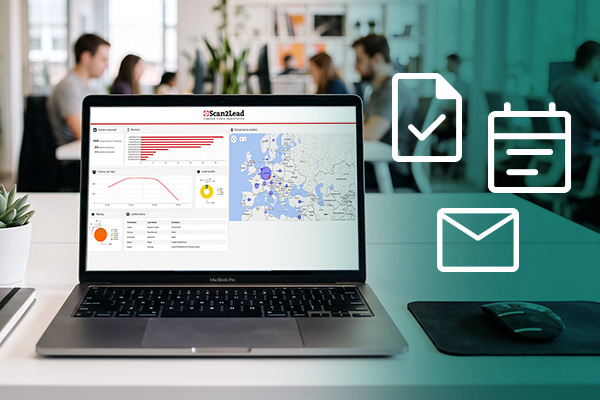
Launch the automation, and from now on, every new lead will be routed to the right system—at every trade show.
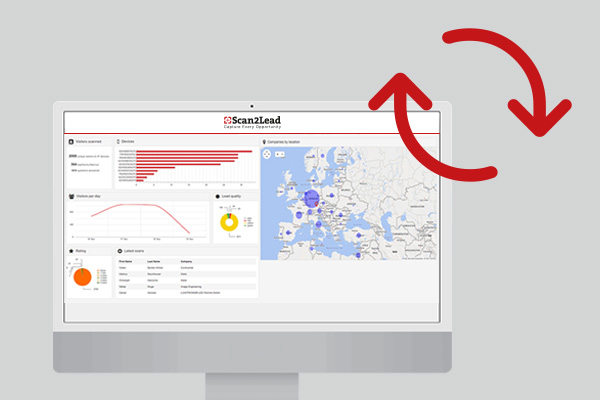
Set up LEAD AUTOMATION now.
LEAD AUTOMATION, available through our partner Make, is available to all Scan2Lead users.
Depending on your usage volume, Make may charge additional fees.
We’re happy to assist you with setup and personalized advice.
Frequently Asked Questions
Frequently Asked Questions About LEAD AUTOMATION
Do you have questions about compatibility, setup, or costs? You’ll find the most important answers here. Our team will be happy to help you with the setup.

Any questions?
Personal consultation, free of charge
LEAD AUTOMATION is compatible with over 3,000 tools via Make—including HubSpot, Salesforce, Pipedrive, Mailchimp, and many other CRM and marketing systems. We’d be happy to advise you on integration.
No. LEAD AUTOMATION is designed as a no-code solution. You can quickly set up standard integrations without any prior knowledge. For more complex workflows, our team will provide you with personalized support during setup.
LEAD AUTOMATION is available to all Scan2Lead users. Depending on your usage volume, additional platform licensing fees may apply. We would be happy to advise you on the options that best suit your needs.
Standard integrations (e.g., transferring leads directly to HubSpot) can be set up in just a few minutes. For custom workflows with automated follow-up processes, we recommend our setup package, which includes personalized consulting.
LEAD AUTOMATION transfers leads from the PORTAL to your CRM. As soon as leads are saved in the PORTAL—even retroactively after being entered offline—the transfer is triggered automatically.
Discover more
Other Scan2Lead products

BARCODE-API
Use your own lead generation solution and receive visitor data directly through our API.

Scan2Lead App 365
Scan business cards at any trade show—directly into the PORTAL and into the CRM via LEAD AUTOMATION.

Scan2Lead PORTAL
The control center for all leads—dashboards, reports, and team management.