Checklist – Successful Lead Management with Scan2Lead
20. January 2020 · 2min. reading time

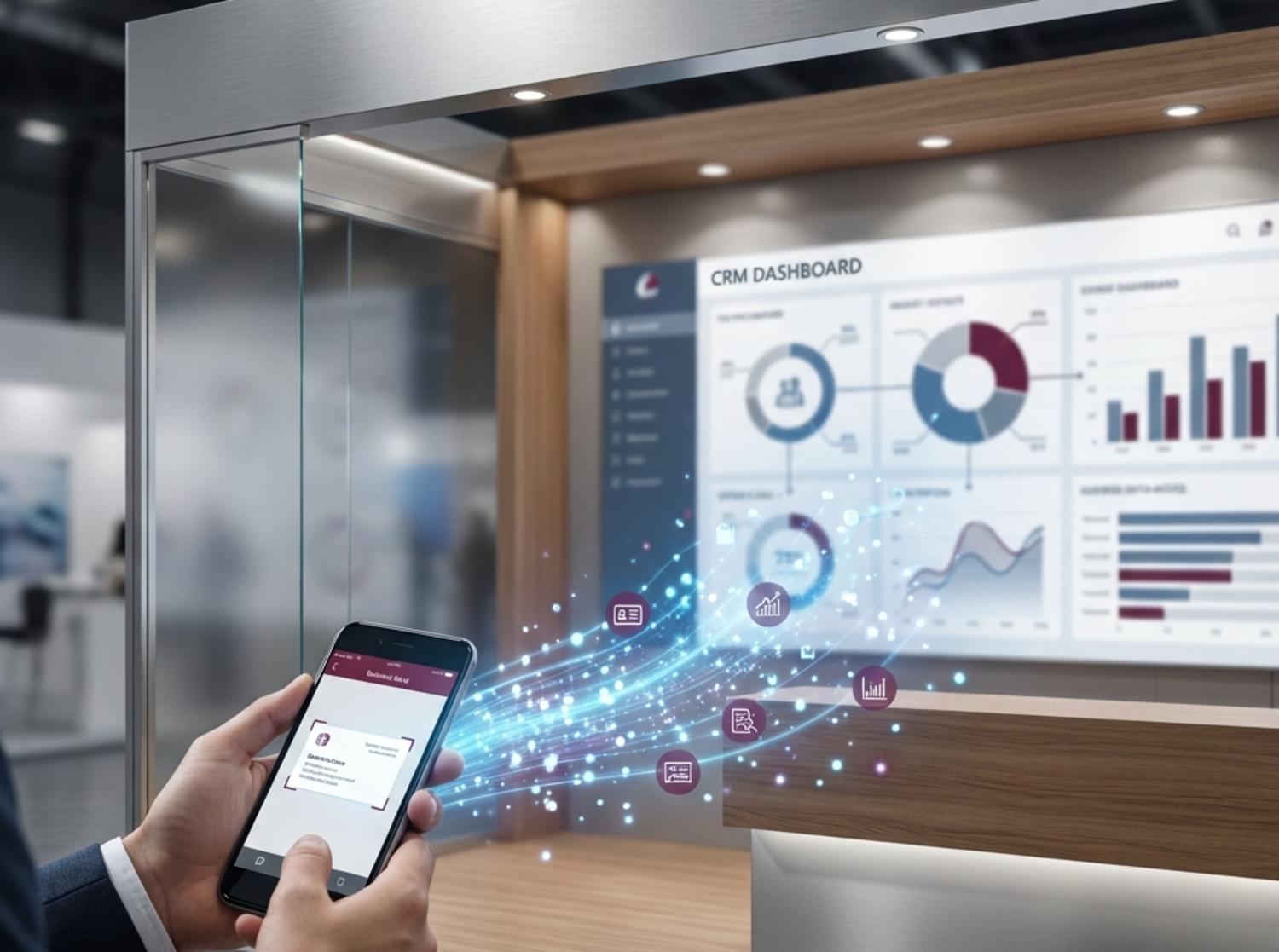
Scan2Lead is a comprehensive tool with numerous features that make it easier for you to capture leads at your trade show booth and help you increase your success at the trade show. So be sure to take the time to prepare thoroughly for lead capture with Scan2Lead at your booth. To help you with this, we’ve summarized the most important steps below.
TRADE SHOW PREPARATION WITH SCAN2LEAD
- Selecting the Right Scan2Lead Solution (read here to find out which product(s) are right for you)
- Booking Scan2Lead in the trade show’s exhibitor shop
- Receive login credentials for the Scan2Lead PORTAL via email; a separate email containing login credentials for the SMART App or pickup information for rental devices
- Registration & Logging In to the Scan2Lead PORTAL
- Setting up your custom visitor survey
PREPARING FOR SCAN2LEAD SMART
- Download the Scan2Lead app from the App Store (iOS) or Google Play Store (Android)
- Testing the app (you can find test tickets in your Scan2Lead PORTAL)
- Training for colleagues (feel free to ask for our training materials!)
- Forward the licenses to your colleagues BEFORE the trade show begins! (Make sure your colleagues install and activate the app well in advance to ensure they can use it starting on the first day of the trade show.)
PREPARING FOR SCAN2LEAD COLLECT
- Training for booth staff (click here for our Quick Guide)
- Printing the Visitor Questionnaire in Your Scan2Lead PORTAL
- On the last day of setup: pick up the scanning devices at the Scan2Lead service counter
- Demonstration at the booth
- During the trade show: download data daily at the Scan2Lead service counter
- On the last day of the trade show: Return the scanning devices at the Scan2Lead service counter
PREPARING THE SCAN2LEAD STATION
- Training for booth staff (click here for our Quick Guide)
- Printing the Visitor Questionnaire in Your Scan2Lead PORTAL
- On the last day of setup: pick up the scanning devices at the Scan2Lead service counter
- Demonstration at the booth
- On the last day of the trade show: Return the scanning devices at the Scan2Lead service counter
DURING THE EXHIBITION PERIOD
- Check whether colleagues are using the system (correctly) (through one-on-one conversations; are there any questions or uncertainties?)
- Checking Data Quality in Your Scan2Lead PORTAL
- Export data from the Scan2Lead PORTAL to an excel file and send a thank-you email to visitors from that particular trade show day
- On the last day of the trade show: Return the scanning devices at the Scan2Lead service counter
- If you have any questions during the trade show, Scan2Lead Support is generally available to assist you at an on-site service desk or by phone at +49 89 4444 33 112.
TRADE SHOW PREPARATION WITH SCAN2LEAD
- Export data from your Scan2Lead PORTAL up to 4 weeks after the end of the trade show
- Sending information to contacts (obtaining a Double Opt-In for further communication)
- Participation in the Scan2Lead Customer Satisfaction Survey
DO YOU HAVE ANY OTHER QUESTIONS ABOUT SCAN2LEAD?
Then please contact us! Our team is happy to answer any questions you may have and provide further information. Simply send us an email at contact@scan2lead.com or call us at +49 89 4444 33 111.
Munich, January 20, 2020, © adventics GmbH